
Why Phishing Simulations Fall Short, and What to Do About It
This article is geared toward IT administrators at companies of all sizes. The advice included in this article is not all-inclusive and should be taken as a baseline for phishing simulations.
Corporations spend billions of dollars each year running cybersecurity simulations and training sessions for their employees, and with good reason: The human element is cited as the main cause behind up to 60% of recent major data breaches, and phishing is directly responsible for up to 15% to 24% of same. Even so, phishing simulations (where a system administrator or cybersecurity researcher sends an email to employees that looks like a legitimate company email), fall short. In some cases, remarkably short.
More surprisingly, employees commonly click links within the phishing simulation emails, either accidentally or, more disturbingly, intentionally– in an act of malicious compliance. So why do these well-intentioned simulations fall flat? Let’s explore this topic more in depth, and learn what IT system and cybersecurity administrators can do to maximize their phishing simulations and training time.
What is a Phishing Simulation?
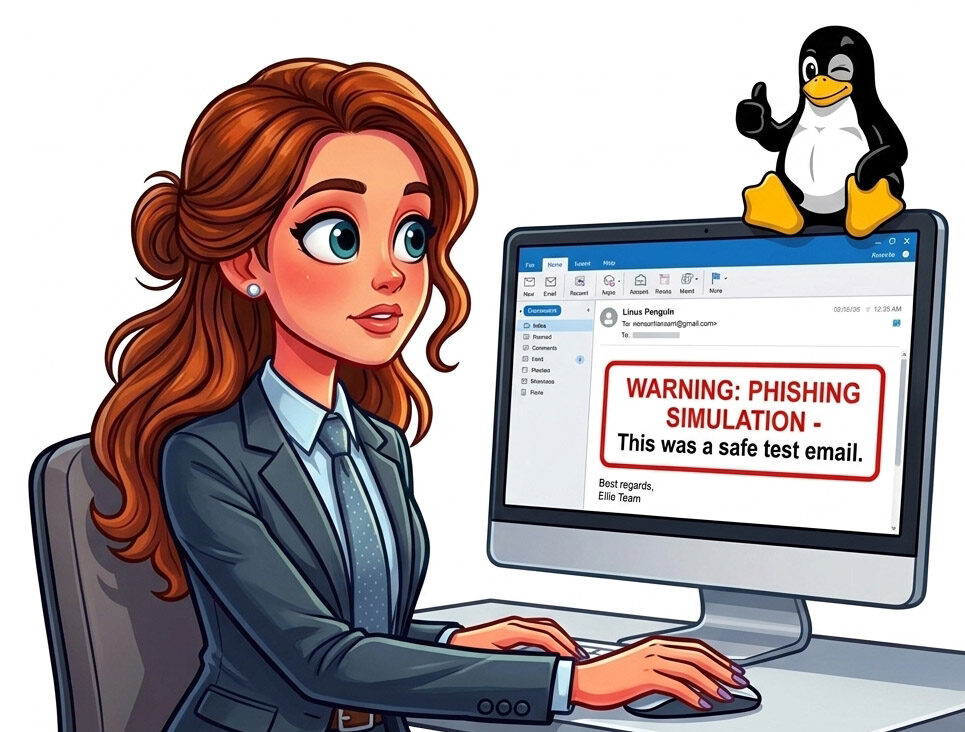
If you’re new to IT administration, you may not even be aware of what a phishing simulation is. A phishing simulation is a non-malicious email sent to users in your company that is designed to mimic a real phishing email, but without the malicious payload. It usually involves creating a sense of false urgency or time-sensitive reward for clicking the link.
When a user clicks the link in the email, it usually redirects them to a company login page. If the user subsequently enters their username and password into the prompt, they are directed to a page that says something like “gotcha!” or “change your password now.”
The purpose of these emails is never to punish naive employees, but to make them think twice about opening suspicious emails and to further hone employees’ cybersecurity instincts. A failure here (i.e. an employee entering their username and password into the web form) is not catastrophic to the company. It’s meant to be a teachable moment. Some managers, however, treat them as life and death and write employees up or even terminate their employees for making a simple, teachable mistake.
What Causes Phishing Simulations to Fail?
What kind of policies does your organization have in place for when an employee inevitably fails a phishing simulation?
For example, if your organization enforces a strict zero-tolerance policy against employees who open the phishing email and click the link, this is known as a punitive policy. The problem with these policies is, often workers don’t become smarter about cybersecurity– bosses end up with employees who avoid or actively refuse to use email at all, for fear of being punished at work.
On the other hand, companies who hold lengthy, intense cybersecurity seminars or stand-downs for link-clickers may feel like they’re doing the right thing, but in reality these meetings can feel just as punitive as zero-tolerance. Meetings on phishing simulations should be short, to the point, and strictly educational.
Caveat: If an employee intentionally fails phishing simulations, for example, through “malicious compliance,” management may have to explore disciplinary measures. This, however should be done on a case-by-case basis and should be the exception rather than the rule.
What To Do Instead.
For example, instead of a 2-hour long training seminar on how to recognize phishing and what to do about it, condense your entire session into a simple, informative meeting. This is what phishing is. This is what it looks like. This is what to do if you encounter a phishing email in your inbox. This is what could potentially happen if you fall victim to a phishing campaign. That’s it. Keep it short and sweet.
In your training session, you could distill your entire hour-long presentation into the following concise, memorable points to your viewers, presentable in about a 15 to 30 minute window:
- Phishing is a type of cybersecurity attack where a cyber criminal or criminal organization attempts to gain access to information by manipulating you into clicking a link, downloading a file or entering your login information into a fake login form.
- Phishing is not limited to company systems. Cyber attackers are constantly attempting to gather information about you as well, through fake bank/Amazon/eBay or other retailer “lookalike” login pages.
- A phishing email usually contains elements designed to create a sense of false urgency such as “act now to protect your account” or “claim your prize within the next 15 minutes.” These false urgency signals are designed to get you to act as quickly as possible without asking for help or realizing what is going on.
- It is becoming more and more difficult to recognize phishing attempts, because attackers are becoming more sophisticated as time goes forward. It is more important to be vigilant and recognize the signs that something may be a phishing attempt than it is to look for any one marker. If something feels slightly off, it probably is.
- Verify any links in emails before clicking on them. If you are unsure, report the email and delete it from your inbox. If it is an internal email, you can always contact the alleged sender through a trusted communication channel.
- It is important to recognize the signs of phishing, because stolen credentials account for up to 60% of all major data breaches, with 14%-28% coming directly from email phishing campaigns.
- Data breaches cost companies billions of dollars in damages and lost revenue yearly, and companies who suffer data breaches also suffer from damaged reputations and lost trust.
In other words…
Don’t Commit “Death by PowerPoint”.
Most IT administrators want to be as thorough and exhaustive as possible when discussing matters with team members. However, we often have a tendency to over-explain things. That’s why we do great with Root-Cause Analysis reports, problem solving, and diagnosing the “ID-10-T” issue that an employee has been trying to fix all day. It’s also why we are absolutely abysmal at explaining things to staff who aren’t as technically inclined.
Simplicity is your friend here. The most successful phishing simulations aren’t designed to turn Bob in Accounting into a CISO or promote Leslie in Sales to a CTO position. The sole aim of phishing simulations should be to raise awareness among team members and start a conversation with non-technical staff about cyber-vigilance and partnering with IT to stop cybercriminals in their tracks– before they get a foothold in your organization.
Conclusion
If you skipped straight to the bottom of this article and just want the TL;DR, here is what you really need to know:
- Phishing Simulations fail because of punitive policies, overbloated technical seminars held by cybersecurity staff, or “death by PowerPoint.”– more succinctly, employees get burned out by bad policies, or their attention span is lost during a 2-hour training seminar or endless PowerPoint slides.
- Successful Phishing Campaigns directly cost companies billions in lost revenue per year through data breaches, and indirectly, through damaged trust and reputation.
- Successful Remediation meetings are short, 15-30 minutes at the most, and cover a broad range of topics related to phishing such as recognizing false urgency signals and understanding the basic motive of the attacker.
- Disciplinary Measures should be reserved only for repeat, intentional offenders, and should not be used to punish employees who mistakenly clicked a link or entered their login information into your phishing simulation.
If you would like to know more about how maximizing your chances for a successful phishing simulation, give us a call at 502-694-0307 or Contact Us today!